Smart Podium — Digital Lecterns for Modern Classrooms
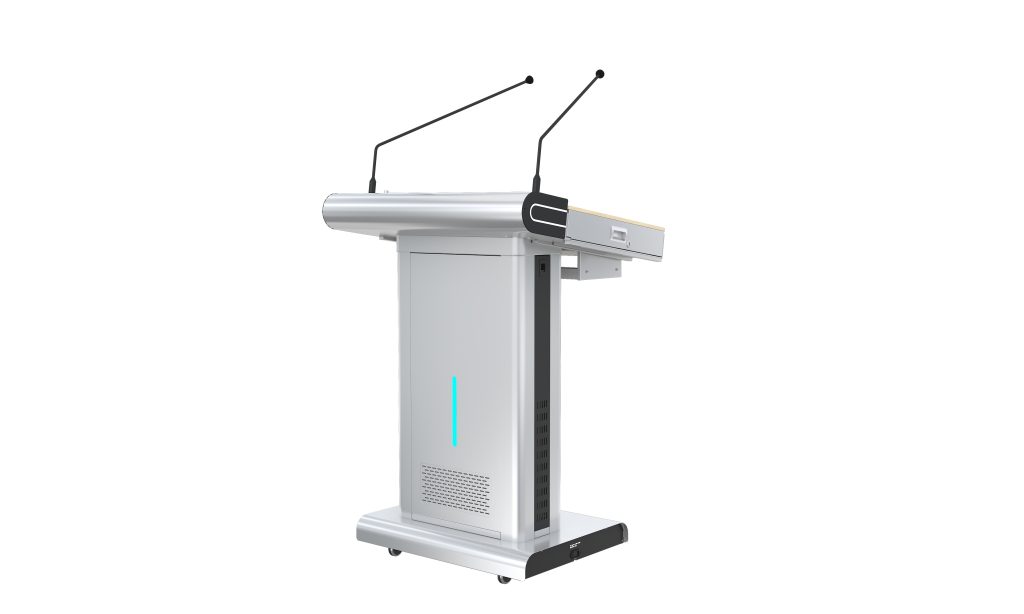
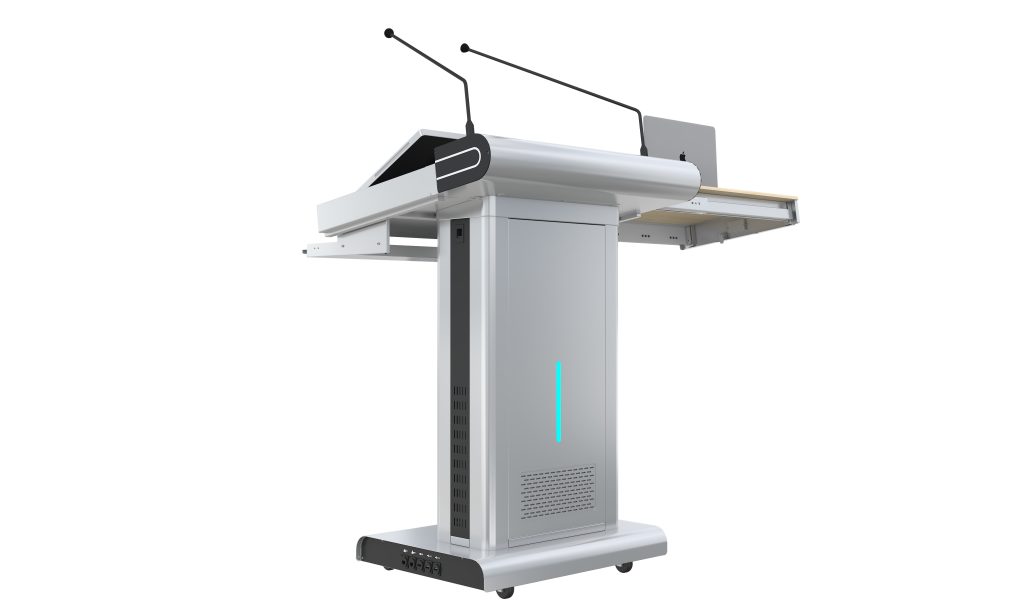
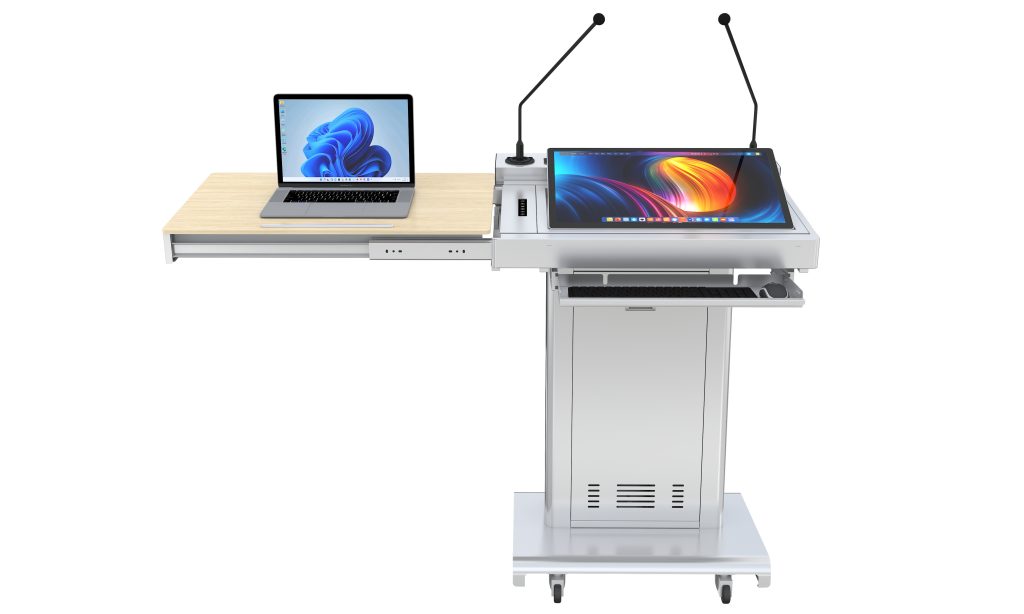
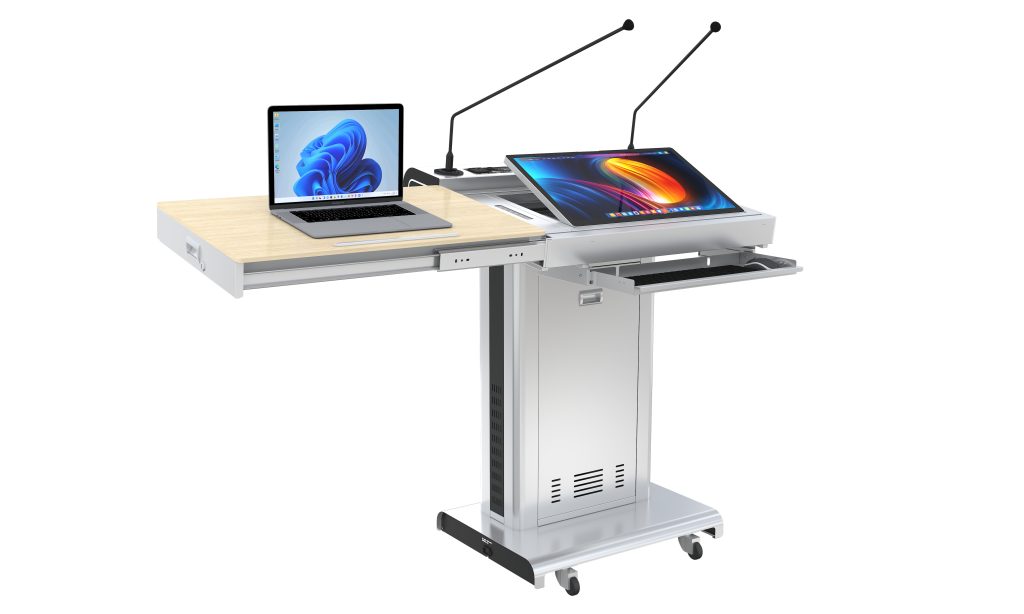
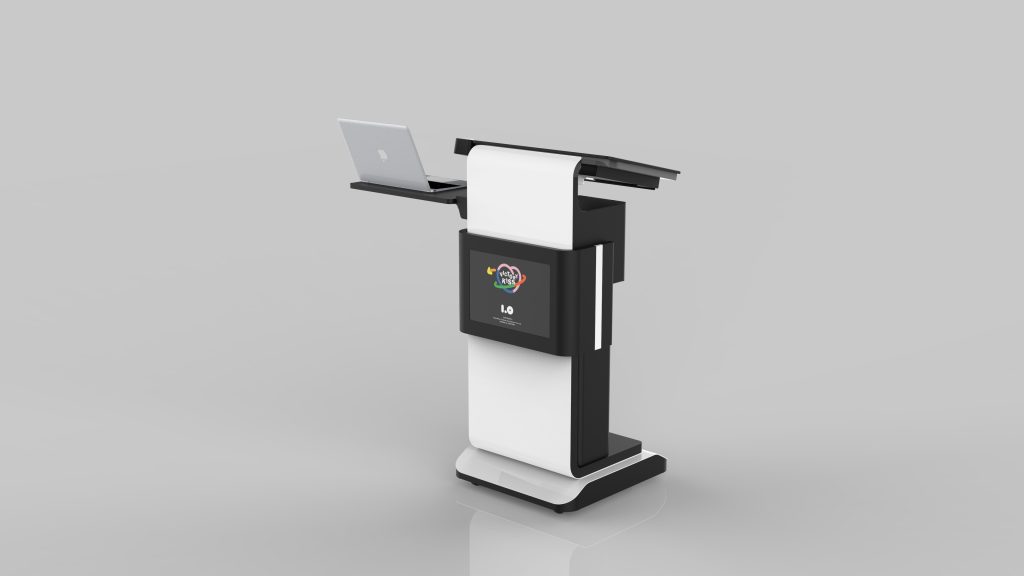
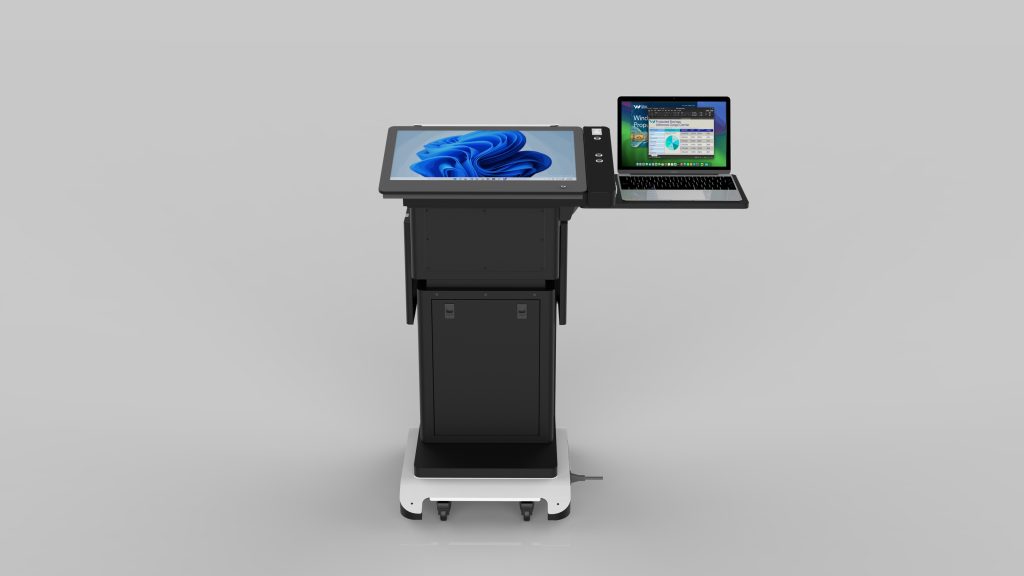
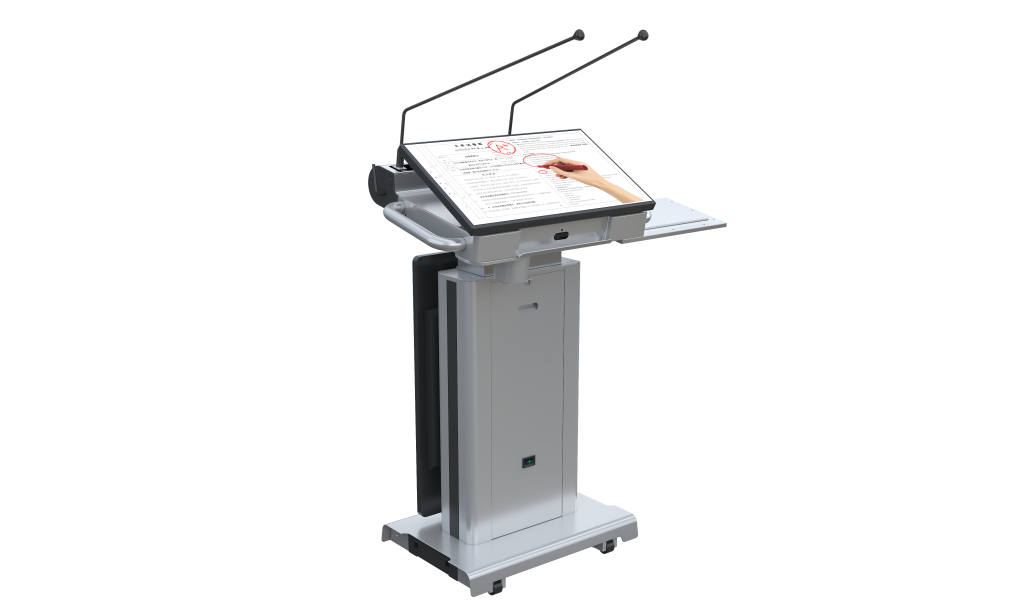
A smart podium (also called a digital podium, interactive lectern, or electronic podium) is an all-in-one teaching workstation that combines a touchscreen display, built-in audio, gooseneck microphone, and device connectivity into a single professional platform. GoFutura's smart podiums help educators control presentations, annotate content, and manage classroom AV from one central station—ideal for K-12 schools, universities, training centers, and conference rooms.
Smart Podium
Digital Podium
Interactive Lectern
Electronic Podium
Touch Screen Podium
Classroom Podium
Conference Podium
Multimedia Lectern
- Dimensions: (740-1450) × 670 × 1060 mm
- Power: 110-240V, 50-60Hz
- Display: 23.8″ 10-point capacitive touch, 1920×1080, 400 cd/m², 1000:1 contrast
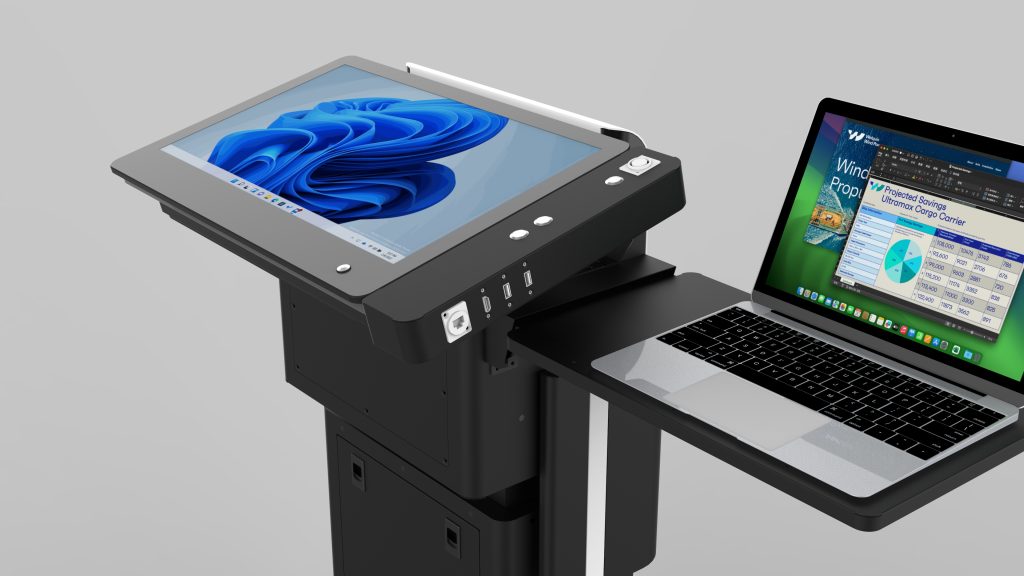
- Ports: HDMI×1, USB 3.0×2, LAN×2, audio×1, DC 12V
- Amplifier: 260W D-class
- Speakers: 2×90W column speakers + 4×3″ full-range drivers
- Microphones: 2×60cm gooseneck mics with noise reduction
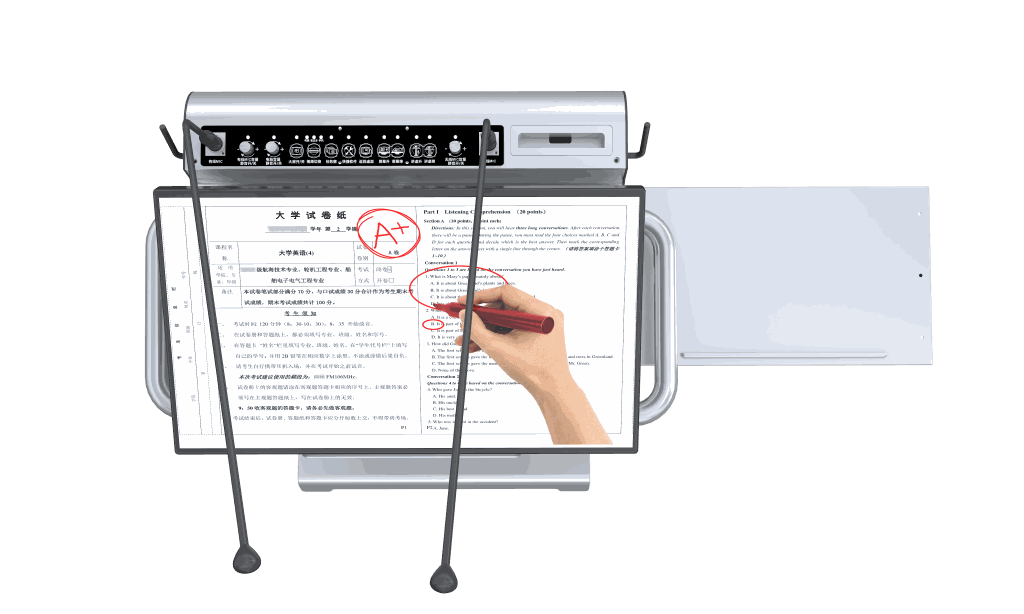
- Controls: 6-button panel (power, annotation, PC switch, screen height adjustment)
- Mobility: 4 lockable wheels
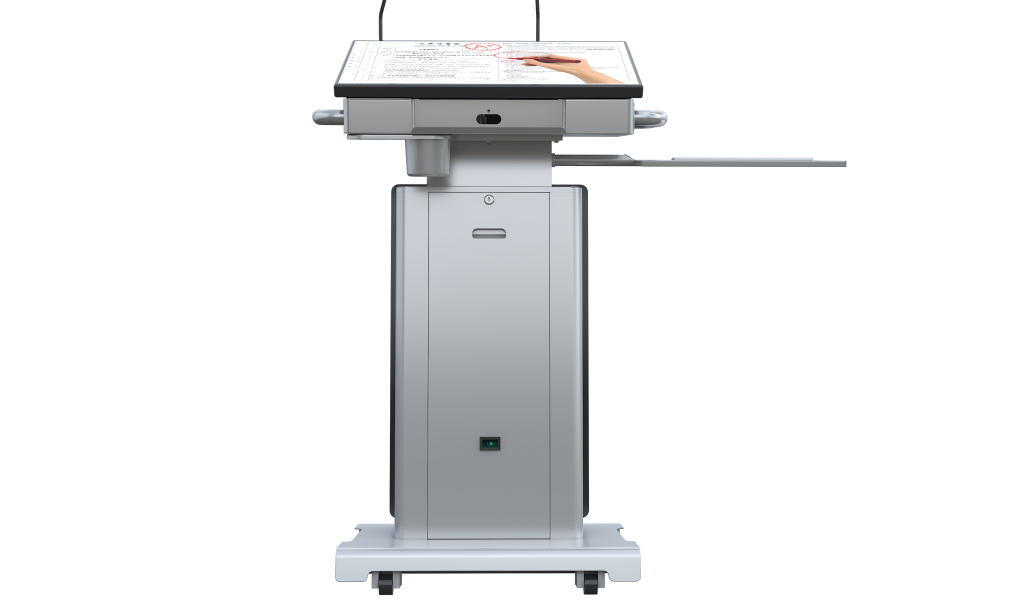
- Dimensions: 600 × 505 × (1053-1203) mm
- Display: 21.5″ anti-glare screen with capacitive (10-point) + electromagnetic dual-mode touch (optional)
- Microphone: 60cm high-sensitivity gooseneck mic with noise reduction
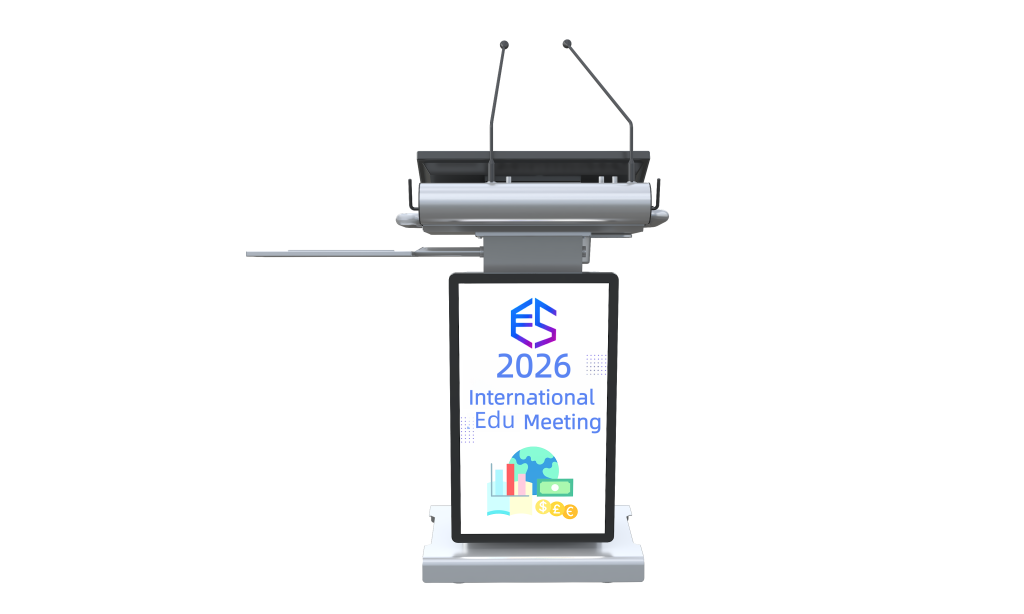
- LED Sign: Front-facing 300×210 mm LED-backlit display
- Ports: HDMI, USB 3.0, LAN, VGA, and audio ports
- Mobility: 4 lockable wheels
- Option: Foldable laptop tray
- Dimensions: 730×500×(1050-1200) mm
- Computer: 23.6″ display, Intel i5/i7-11, 8/16GB DDR4, 256/512GB SSD, Windows 10
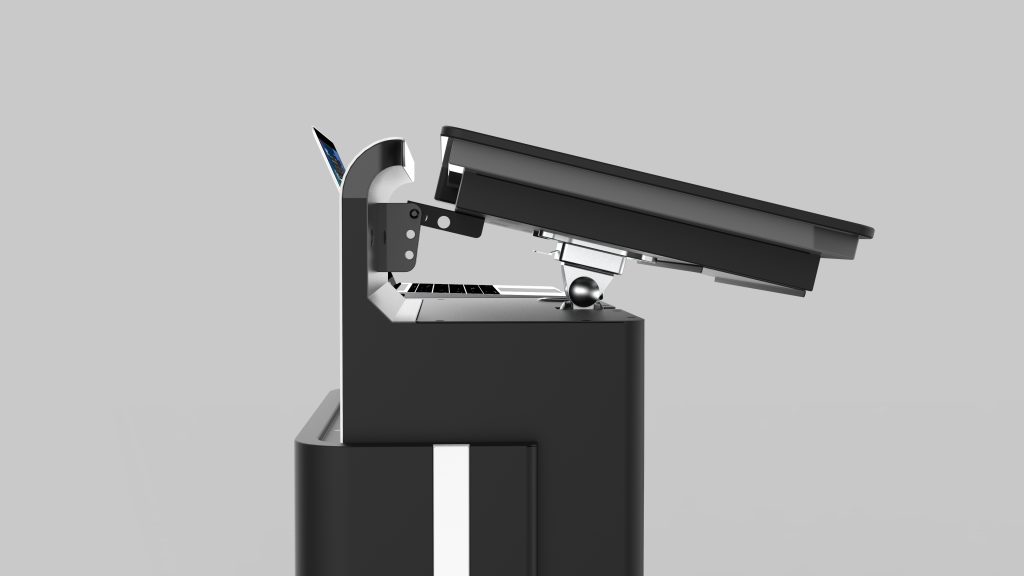
- Screen Angle: 10-40° adjustable
- Output: HDMI×1, USB×1, 3.5 Audio×1, USB×1, MIC×1
- Microphone: 70cm gooseneck microphone
- Option: 32″ smart kiosk screen with tempered glass
Smart Podium FAQs
Quick answers to common questions about digital podiums and interactive lecterns.
What is a smart podium?
A smart podium is an integrated teaching workstation that combines a touchscreen display, built-in PC or connectivity hub, microphone, amplifier, and speakers into a single lectern. It lets teachers control presentations, annotate content, and manage classroom AV from one place.
What is the difference between a digital podium and a regular lectern?
A regular lectern is a simple stand for notes. A digital podium adds a touchscreen, device connectivity, audio system, and often a built-in computer—turning it into a central command station for presentations and interactive teaching.
Can a smart podium connect to a projector or interactive flat panel?
Yes. GoFutura smart podiums include HDMI, USB, and LAN ports, so you can mirror or extend the screen to projectors, interactive flat panels, LED displays, and video conferencing systems.
Where are smart podiums used?
Smart podiums are used in K-12 classrooms, university lecture halls, corporate training rooms, government meeting rooms, conference halls, and auditoriums—anywhere a presenter needs integrated AV control.
How do I choose the right digital podium?
Consider screen size and touch type, built-in audio power, microphone range, connectivity ports, height adjustability, mobility (lockable wheels), and whether you need a built-in PC or external laptop connection.
Does GoFutura offer custom smart podium configurations?
Yes. We offer multiple models with different screen sizes, touch technologies, PC options, and accessories such as foldable laptop trays and external kiosk displays. Contact us for a tailored quote.