IFPD Sync Whiteboard
Smart Board with Whiteboard — Seamless L+C+R sync for modern smart classrooms
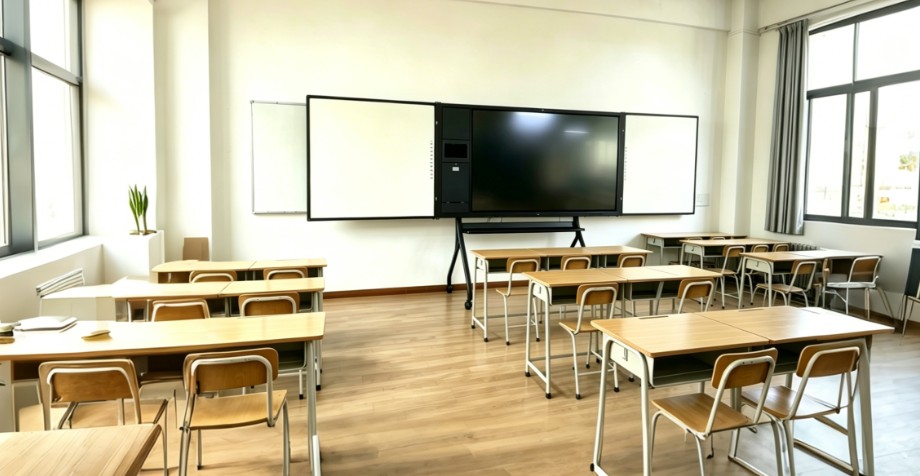
An IFPD Sync Whiteboard is a smart classroom teaching wall that places a central interactive flat panel display between traditional left and right whiteboards. Unlike older projector-based interactive whiteboards, a modern IFPD is an all-in-one touchscreen that integrates the display, computing, operating system and teaching tools into a single device — and GoFutura's sync board design extends that experience across the writing boards on either side.
Teachers annotate directly on the 4K touch display, switch pages with one key, and share notes across every surface in real time. Students join from their own devices through wireless screen sharing, while every lesson can be saved, synced to the cloud and shared instantly with a QR code. Multi-touch collaboration, natural handwriting input and anti-glare 4K panels keep writing smooth and readable from anywhere in the room.
The sync board for classroom teaching keeps the familiar habits of a traditional whiteboard while adding full digital interactivity — ideal for K-12, higher education and training centers that need a smart board with whiteboard flexibility, whether teaching in person, remotely or in hybrid mode.
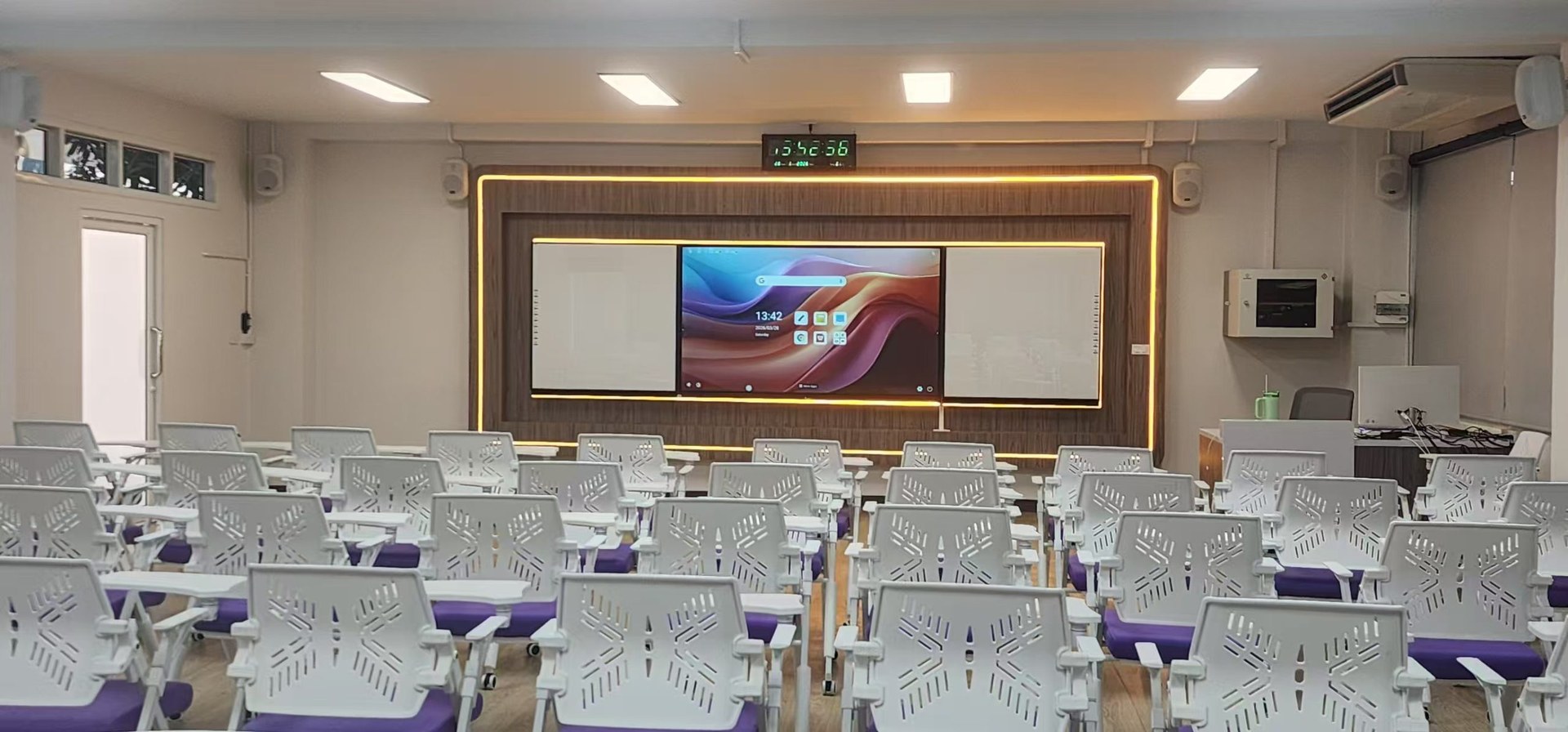
Three-Unit Sync System
Left whiteboard + Center IFPD + Right whiteboard, working as one teaching surface
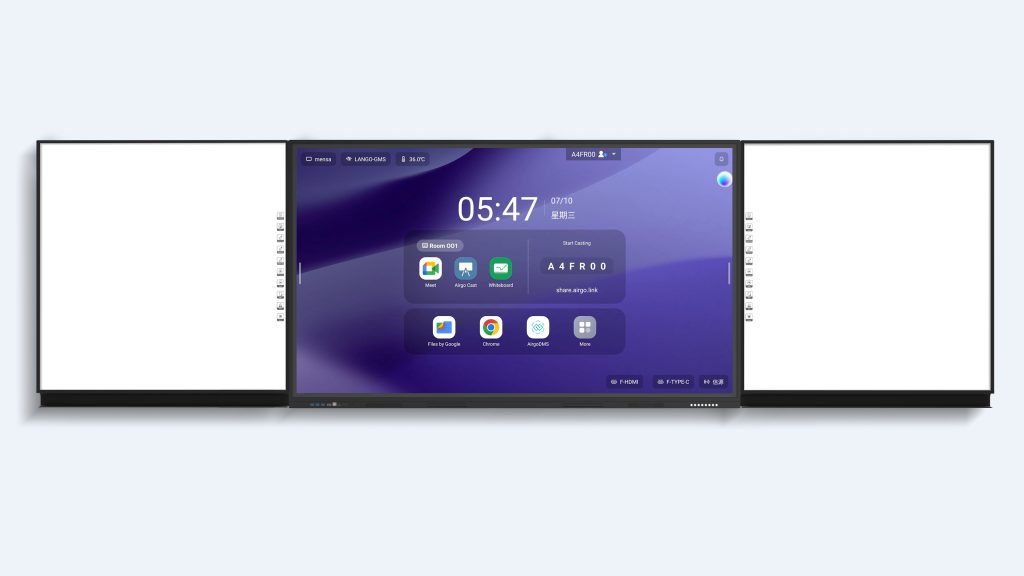
Left Whiteboard
- Dimensions: 1112 × 1151 mm
- Active area: 1082.6 × 1077.5 mm
- Color options: White, Green
- Surface: Ceramic or tempered glass
- Size customizable
Center Smart Board
- Standard size: 86 inch
- Dimensions: 1953 × 1066 mm
- Also available in 98", 86", 75"
- 4K UHD interactive flat panel
- 20-point touch & smooth annotation
Right Whiteboard
- Dimensions: 1112 × 1151 mm
- Active area: 1082.6 × 1077.5 mm
- Color options: White, Green
- Surface: Ceramic or tempered glass
- Size customizable
Onboard Controls & Software
One-touch tools for preview, annotation, page navigation, voting and QR sharing
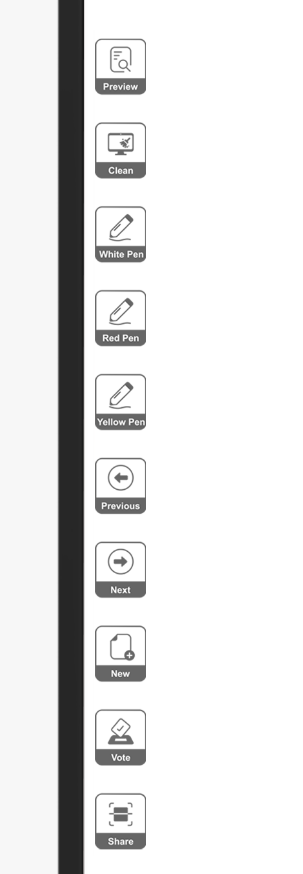
Button Functions
- Preview — Review notes on all pages
- Clean — Clear current page annotations
- White / Red / Yellow Pen — Switch ink colors instantly
- Previous / Next — Move between pages
- New — Create a blank page
- Vote — Launch classroom voting
- Share — Generate QR code for notes
Software Functions
- Switch — Move menu icons left/right
- Sidebar — Hide bottom function bar
- Up — Show bottom function bar
- Desktop — Return to PC desktop
- Page — Thumbnail preview of all pages
- Menu — Open, save, share, settings, exit
Flexible Configurations
Match your classroom size, wall space and teaching style
Sync Board Selections
- 1. Left whiteboard + Center IFPD + Right whiteboard
- 2. Left whiteboard + Center IFPD
- 3. Center IFPD + Right whiteboard
- 4. Optional document camera integration
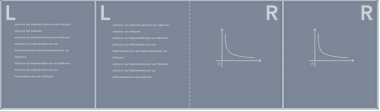
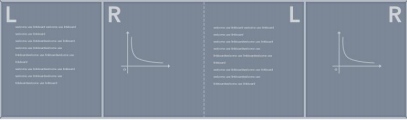
Writing Modes
Optional Document Camera
Add a document camera to project textbooks, worksheets and 3D objects onto the center IFPD
Frequently Asked Questions
Quick answers about the GoFutura IFPD Sync Whiteboard
What is an IFPD Sync Whiteboard?
It is a smart classroom display system that combines a central interactive flat panel with left and right whiteboards. Teachers can write, annotate and switch pages across all three surfaces while keeping lessons visible to every student.
Can the layout match my classroom?
Yes. Choose left-only, right-only, left+right, or left+center+right configurations. Whiteboard sizes and surface materials are also customizable.
How do teachers share lesson notes?
The software generates a QR code for each page. Students scan it to save notes to their devices, and teachers can open, save or email pages from the menu.
What writing modes are supported?
LLRR (Left-Left-Right-Right) and LRLR (Left-Right-Left-Right) let instructors organize content across the three boards in the order that best fits their lesson.